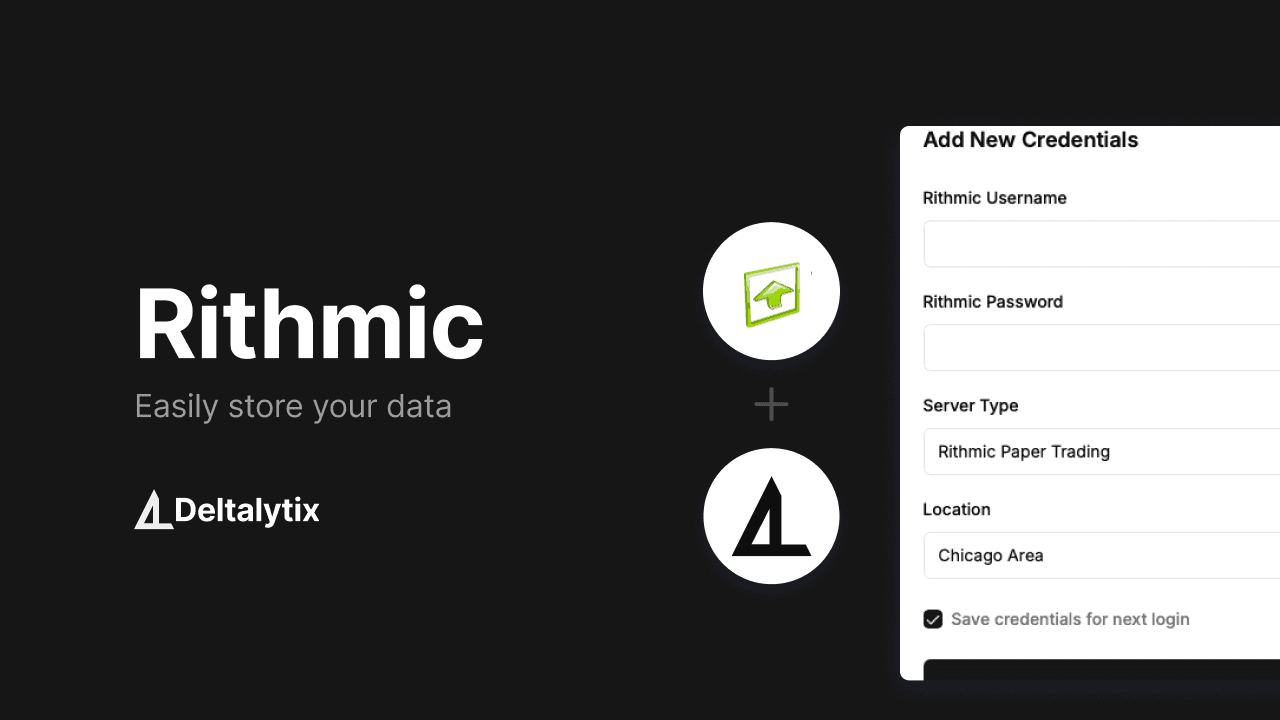
Automatic Import from Rithmic
We're excited to announce that our direct integration with Rithmic is now live! Say goodbye to manual CSV imports - your trading data now automatically syncs with JurnalTradingAi every hour.
How to Get Started
Getting connected is simple:
- Navigate to your account settings
- Select "Connect Rithmic Account"
- Enter your Rithmic credentials
- Confirm the connection
That's it! Your data will automatically sync every hour.
What's Included
Automated Data Sync
- Hourly automatic updates
- Historical data import
- Real-time position tracking
- Multi-account support
Enterprise-Grade Security
- Secure API connection
- Encrypted data transfer
- Robust authentication system
- Continuous monitoring
Smart Data Processing
- Automated validation
- Data integrity checks
- Error detection
- Performance optimization
Why It Matters
Save Time
No more manual imports or data entry. Your trading data flows automatically into JurnalTradingAi, letting you focus on what matters - your trading strategy.
Improve Accuracy
Direct integration means no more human error from manual imports. Get precise, validated data straight from the source.
Stay Updated
With hourly syncs, your JurnalTradingAi dashboard always shows your latest trading activity. Perfect for active traders who need up-to-date information.
Need Help?
Our support team is ready to assist if you have any questions about connecting your Rithmic account. Reach out through your dashboard's support section.